
Security
Your last meeting is somewhere. Do you know where?
Every meeting assistant hears everything you say. The difference is where the recording goes afterwards. Follow one sentence from a call and see for yourself.

“We will have to let two people go before the January review. Nobody outside this call knows yet.”
- The bot in the callIt joined as a participant. Everyone saw it. It streamed the audio out as you spoke.
- The vendor's serversThe recording is transcribed there and stored there, under their retention policy, not yours.
- A shared workspaceYour sentence is now searchable text. Depending on the plan, colleagues and admins can search it too.
- Wherever they send it nextSub-processors, model providers, integrations. The terms of service say who. Most people never read that far.
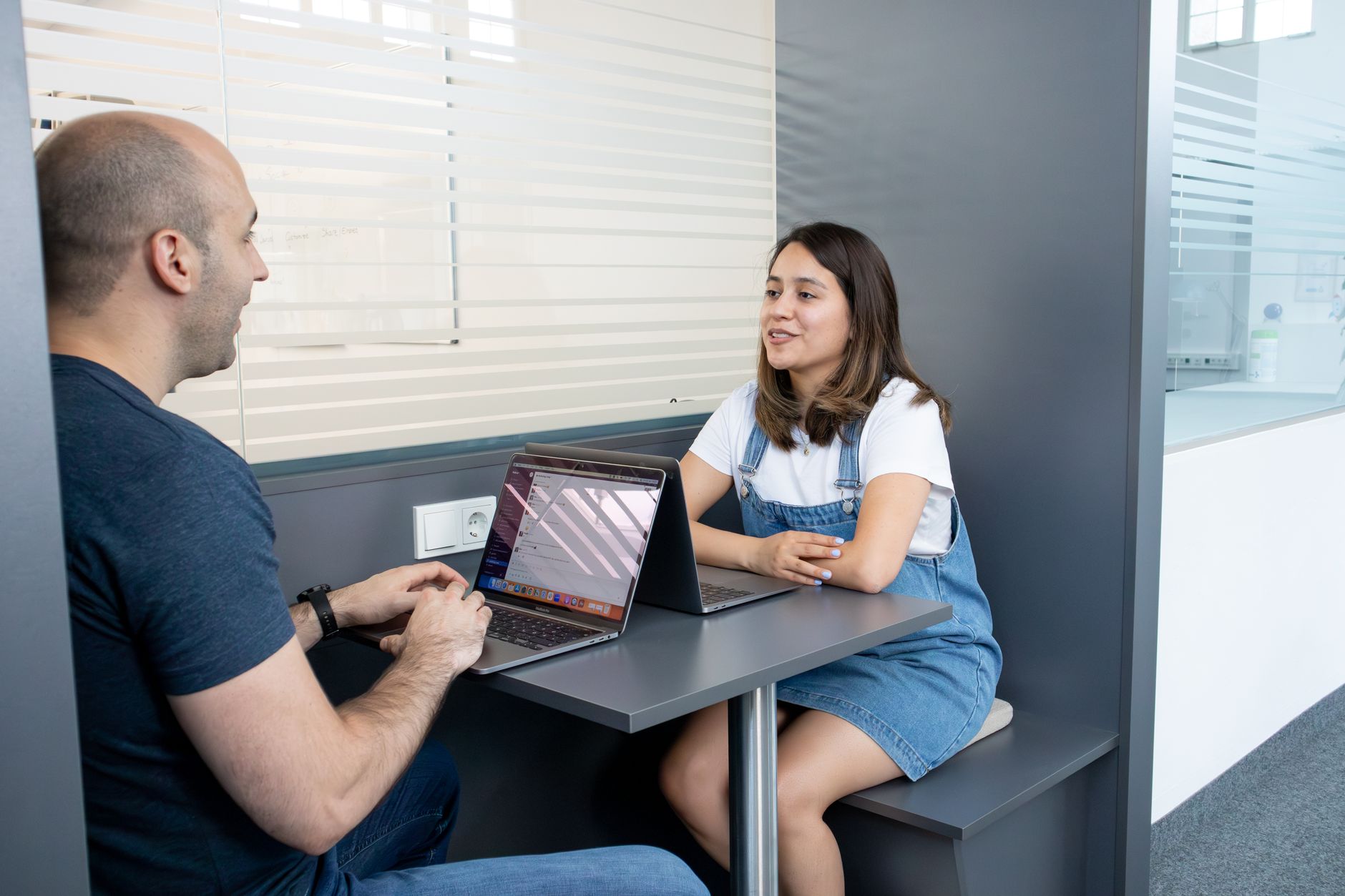
Sample sentence. The photograph is stock; the paths are how each kind of tool works.
Think about what gets said
Meetings are where the sensitive things are said out loud.
Nobody writes these down in an email. They say them on a call, because a call feels private. Then a tool records it.


Exactly what crosses
Set it the way you would use it, and watch the line.
Two things can leave your Mac, both in text, both by your choice. Change the setting below and the table changes with it. This is the version of that sentence your security team can check.
- AudioMeeting app and your microphone
- TranscriptWhisper, on the device
- NotesSummary, decisions, actions
- Your API keysmacOS Keychain
- Usage dataThere is none
Nothing. Audio, transcript and notes stay on this side.
| Yours | Crosses the line? |
|---|---|
| Audio from the meeting and your microphone | Never |
| Transcript | Stays on the Mac |
| Notes | Written on the Mac |
| Your API keys | Never. Stored in the macOS Keychain |
| Usage data, analytics, crash reports | Never. There is nothing to send |
| A message to BITSUMMIT | Only the feedback form, when you send it |
Take this with you
Six questions to ask any meeting tool. Including this one.
Tap a card for our answer. Then ask the tool you use today the same question. If the answer takes more than a sentence, that is the answer.
What it asks for
Three permissions. Here is what each one does and does not allow.
macOS asks on our behalf, once, the first time you need each. The app works with whatever you grant.
Your side of the call to be recorded, and dictation to hear you.
Listening when you are not recording or dictating. The menu bar shows when the app is capturing; when it is not, the microphone is closed.
The first time you record or dictate. Both builds.
Capturing the audio another app is playing, which is how the other people on the call get into the recording. This is the only mechanism macOS offers for that.
Anything the name suggests. No picture of your screen is ever taken, stored or sent. The app uses the permission for audio only.
The first time you record a call. Both builds. Grant it, then quit and reopen the app; macOS applies it on the next launch.
Dictation to type straight into the app you are using, instead of copying to the clipboard.
Reading what is on your screen or in other apps. It is used to insert text, nothing more.
Direct download only, the first time you dictate. The App Store build never asks for it; there, dictation copies to the clipboard and you press ⌘V.
For your security team
The details they will check.
How it is built
- App Sandbox and hardened runtimeThe app runs sandboxed with the hardened runtime and ships a privacy manifest. It has passed Mac App Store review.
- One folder of accessThe only place on disk the app can reach is the export folder you chose for your notes.
- Keys in the KeychainIf you add an OpenAI or Anthropic key, it is stored in the macOS Keychain and used only to call that provider.
- No network by defaultWith the local notes model, the app makes no network requests during a call. The one exception is downloading the speech model, once.
How it behaves
- Consent is yours to getRecording laws differ by region. During setup the app asks you to confirm that consent from the other people on a call is your responsibility. It does not announce itself to them.
- Built for one personNo team workspace and no share link. Each person has their own copy and shares files the way they already share files.
- Delete means deleteDelete a meeting in the Library and its recording, transcript and notes are gone. Delete the app and its storage goes with it. Your exported markdown stays until you remove it.
- This site, tooNo cookies, no analytics, no trackers. Reading this page told us nothing.
The full privacy policy says the same thing in more detail. Security questionnaires go to sales@bitsummit.ca and come back completed.
One more question
Ask your current tool where your last meeting is.
If you cannot get a one-sentence answer, try one that does not need one. Your first three meetings are free, and nothing leaves the Mac.