
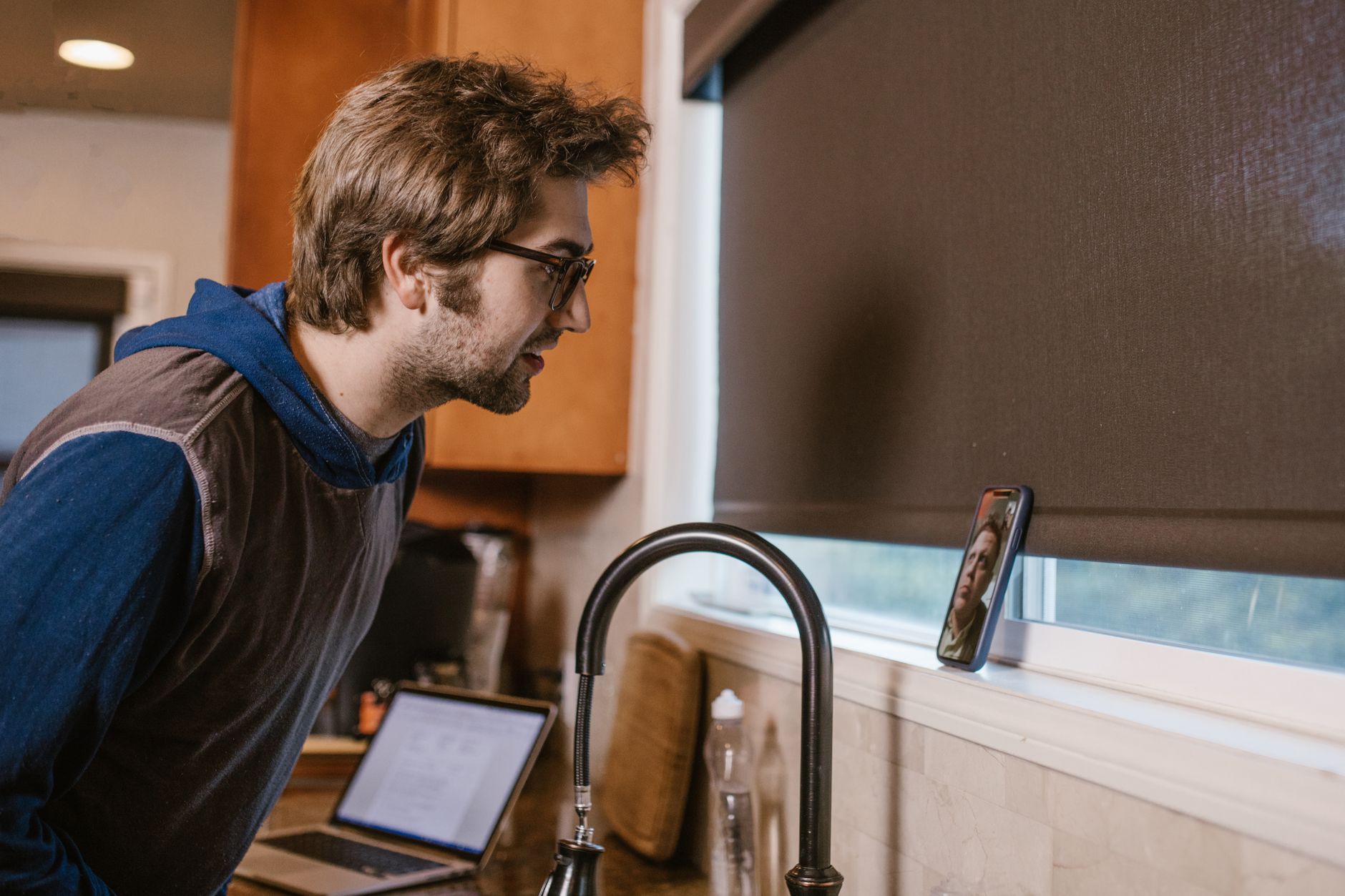
In the room, or on speaker.
Press ⌘⇧R to start a manual recording. The notes come out the same, in the same folder, tagged as a manual recording.
Recording Client workshop – roadmap · 19m · manual
Meeting notes and live coaching for Mac
NoteHand suggests what to ask while you are on a call, then turns the conversation into notes with decisions and action items. Stay focused on the person you are talking to, with a record to review afterward.
 on this Mac · 10:41
 Priya
Priya
MarcusWe have a number in mind but nobody has signed it off yet.
YouThen let's hold the pilot to one cluster and run the questionnaire alongside it.
PriyaIf you can send the questionnaire tonight I can start Monday.
Decision · Pilot limited to one cluster Action for you · send the questionnaire tonightWho needs to approve the budget before we can start?
Compatibility
NoteHand captures call audio on your Mac without adding a bot to the meeting. It detects supported meeting apps and prompts you to start recording. You can also start a recording with a keyboard shortcut.
 Zoom
Zoom Microsoft Teams
 Google Meet
 FaceTime
 Slack
Slack Discord
NoteHand transcribes audio on your device. With the default local model, Coach and meeting notes are processed there too. Prefer OpenAI or Anthropic? Connect your own API key: transcript text goes to that provider for Coach and notes, billed by them, and never the audio.
See how your data is handledHow it works
Coach suggests what to ask while you are talking. When the call ends, the notes are written. Later, find the decision without replaying the meeting. The demos below follow one sample client call.
The conversation moves on. A budget still needs an approver. Someone mentions a deadline you have not confirmed. Coach follows the transcript and suggests questions, flags open points and tracks your commitments, refreshing every few minutes in a small window beside your call. Add your agenda before the meeting so Coach knows what you want to cover.
Sample client call. Move through the timeline to see how Coach responds as the conversation develops.
After the meeting, NoteHand writes a summary with decisions, action items and open questions, with the full transcript included when you need the details. Review the notes, make any edits and use them for your follow-up. They save as Markdown files, readable and editable in any editor, in a folder you choose.
The default. A free local model writes the notes on this Mac.
Which deadline did you agree to? What did the client ask you to send? Search your recorded meetings and open the notes alongside the transcript. The details are there when you pick the conversation up again.
Hold a shortcut and speak. The same on-device recognition that transcribes your calls turns what you said into text. The direct-download version can insert it into the app you are using; the App Store version puts it on the clipboard for you to paste.
Your files
Open them in Obsidian or a text editor. Share a file with a colleague. Use your own backup or sync service. Your exported notes stay in your folder even if you stop using NoteHand. If you choose a folder in iCloud Drive or Dropbox, that service handles syncing your files.
 Obsidian
 Spotlight
 iCloud Drive
 Dropbox
 Git
Git Notion import
 Any editor
 Terminal
Example search across the sample notes on this page. Try a word from the call above, or a name.
In the room
A client meeting, a workshop, a speakerphone call. Start a manual recording and the Mac's microphone captures the room. Tell the participants before you begin.
Press ⌘⇧R to start a manual recording. The notes come out the same, in the same folder, tagged as a manual recording.
Recording Client workshop – roadmap · 19m · manual
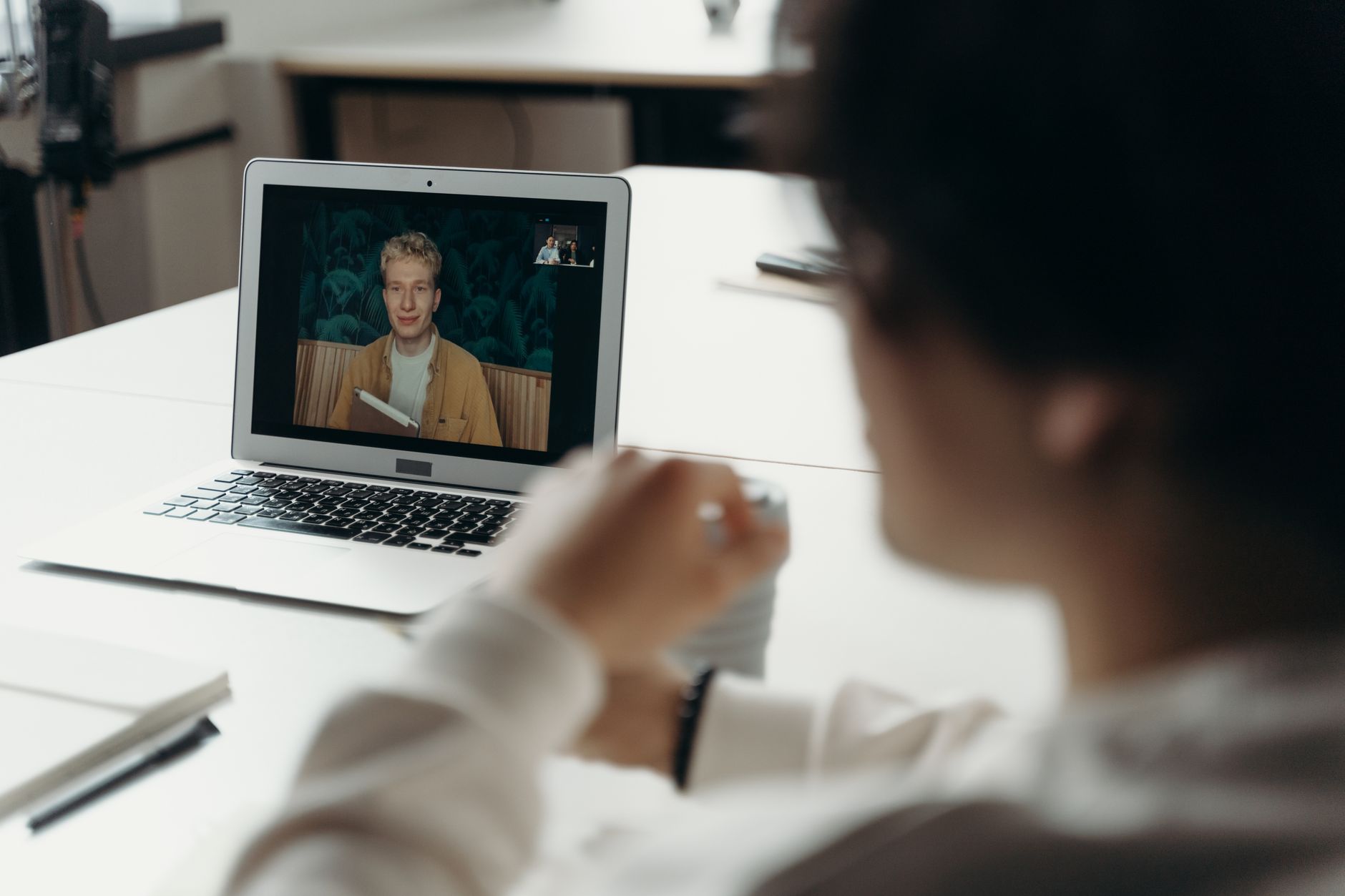
Heads up, I'm recording notes on my Mac with NoteHand. Shout if you'd rather I didn't.
Go for it.
NoteHand records the audio your Mac is already playing plus your microphone, so nothing appears in the meeting itself. During setup it asks you to confirm that telling participants is your responsibility. One line at the start of a call does it.
NoteHand is a Mac app for macOS 14 or later, on Apple silicon and supported Intel Macs. There is no Windows, phone or web version. Model choice affects speed on older machines; the download page lists the requirements.
Who makes it
We built NoteHand at BITSUMMIT, an IT and security services company in Toronto and Halifax. We needed useful notes from client conversations and a way to keep those conversations under our control. We use it for our own client calls, vendor reviews and internal meetings.