
Features · During the call
Help while there is still time to use it.
Most meeting AI arrives afterwards, as a summary in your inbox. Coach works during the call: every few minutes it re-reads the transcript so far and updates a small window pinned above the meeting.
 on this Mac · 10:14
 Priya
PriyaCoach is reading the transcript as it arrives.
- Ask who signs off once security clears.
- Confirm January is the review, not the go-live.
- Offer to send the questionnaire tonight.
- You said you would send the questionnaire tonight. Confirm the address.
- Marcus still has not named a budget approver.
Discovery. Two clusters, an audit in January, and procurement is the constraint.
Pilot agreed for one cluster. Questionnaire runs in parallel; the sign-off path is still open.
The timeline plays itself. Drag it, or press play, to take over. Coach updates at the four marks.
Notes are for afterwards. Coach is for now.
A summary tells you what you missed once the moment has passed. Coach is built for the moment itself: the question you meant to ask, the commitment you just made without noticing, the topic that came up and was never closed.
Because transcription happens on the Mac, the transcript exists while the call is still going. Coach reads it on a cycle and rewrites three short lists. You glance at them the way you would glance at your own notes.


Ask who approves the budget once security clears.
Coach
Where it earns its place
Discovery and sales calls
Your agenda, typed before the call, becomes the checklist Coach keeps. When the conversation drifts, the next update brings the open items back.
Client reviews
Coach tracks what you have committed to in your own words, so the follow-up email is already written by the time the call ends.
Interviews
The questions you prepared, the answers still missing, and a running sense of where the conversation is. Without looking down at a sheet.
Any call you run
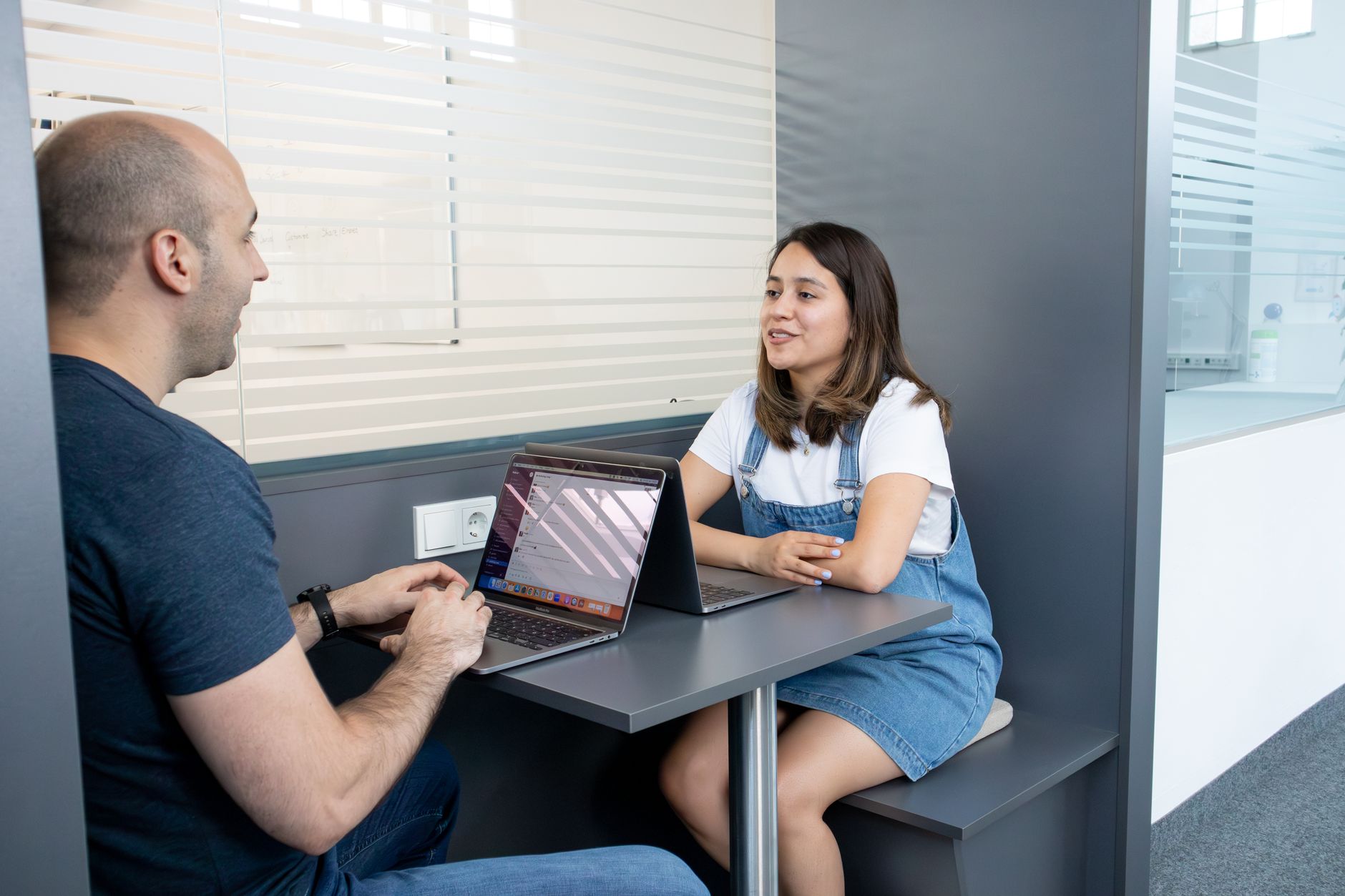
Stand-ups, vendor calls, the board. Coach reads the transcript, so the source does not matter: Zoom, Teams, Meet, FaceTime, or a phone on speaker.
What is a call coach?
A call coach is software that follows a conversation as it happens and offers help during it, rather than a record of it afterwards. The category is young. Most tools that use the phrase send your audio to a server, and a few show the other side that they are present.
Coach does neither. It reads the transcript produced on your Mac, works with the notes model you chose, and shows its suggestions in a window only you can see. With the default local model, nothing about the call leaves the machine.
Wherever the call is
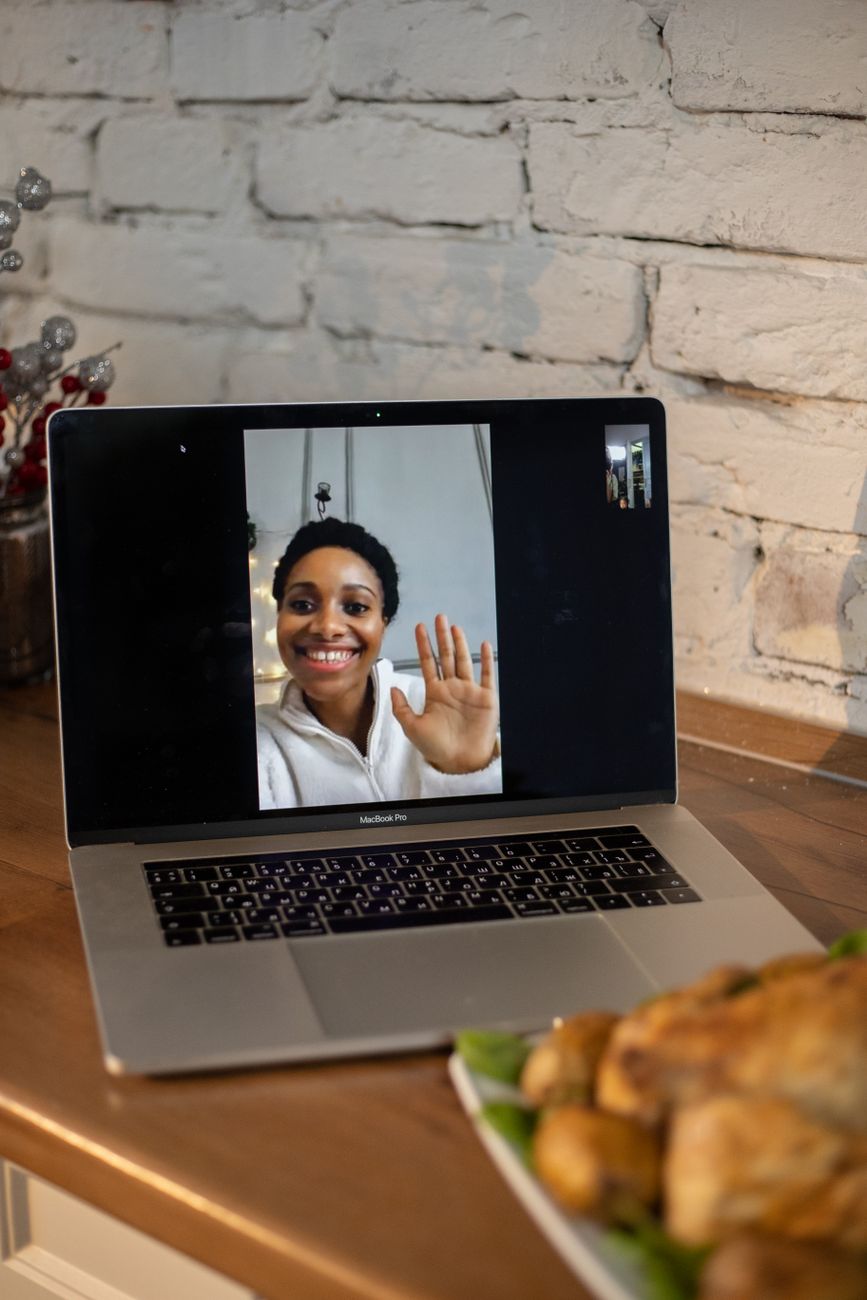
Coach reads the transcript, so it does not matter where the conversation happens.
Compared
Coach vs a summary afterwards
| Summary afterwards | Coach | |
|---|---|---|
| Arrives while the call is going | ✕ | ✓ |
| Knows what you have committed to | Sometimes | ✓ |
| Takes your agenda as context | ✕ | ✓ |
| Visible only to you | Sometimes | ✓ |
| Runs on your Mac | ✕ | ✓ |
| Also writes the notes | ✓ | ✓ |
| Joins the call as a bot | Often | ✕ |
Coach
Why it feels different
It is a window, not a participant
Nothing joins the call. Coach is a small always-on-top window on your Mac that never takes focus. The people you are talking to see nothing.
It reads text, not audio
Coach works from the on-device transcript. With the default local model the whole loop runs on the Mac; with your own OpenAI or Anthropic key, only transcript text goes out, under your account.
It knows when to stop
When the call ends, Coach says so, stops updating, and hands over to the notes. No lingering window, no stale advice.
Questions
The ones we get asked about Coach.
Does the other side know Coach is running?
No. Coach is a window on your Mac; nothing joins the call and nothing is announced. Getting consent to record is your responsibility, and the app asks you to confirm that during setup.
Which model writes the Coach updates?
The same notes provider you chose in Settings: a local model through Ollama by default, or your own OpenAI or Anthropic key. Audio never goes to either.
Can I give Coach my agenda?
Yes. Type an agenda, names or questions before the call, or a note during it, and the next update takes it into account.
How often does it update?
Every few minutes, on a cycle. The demo above marks the four updates on the timeline; a real call has one every few minutes for as long as it runs.
Other features