
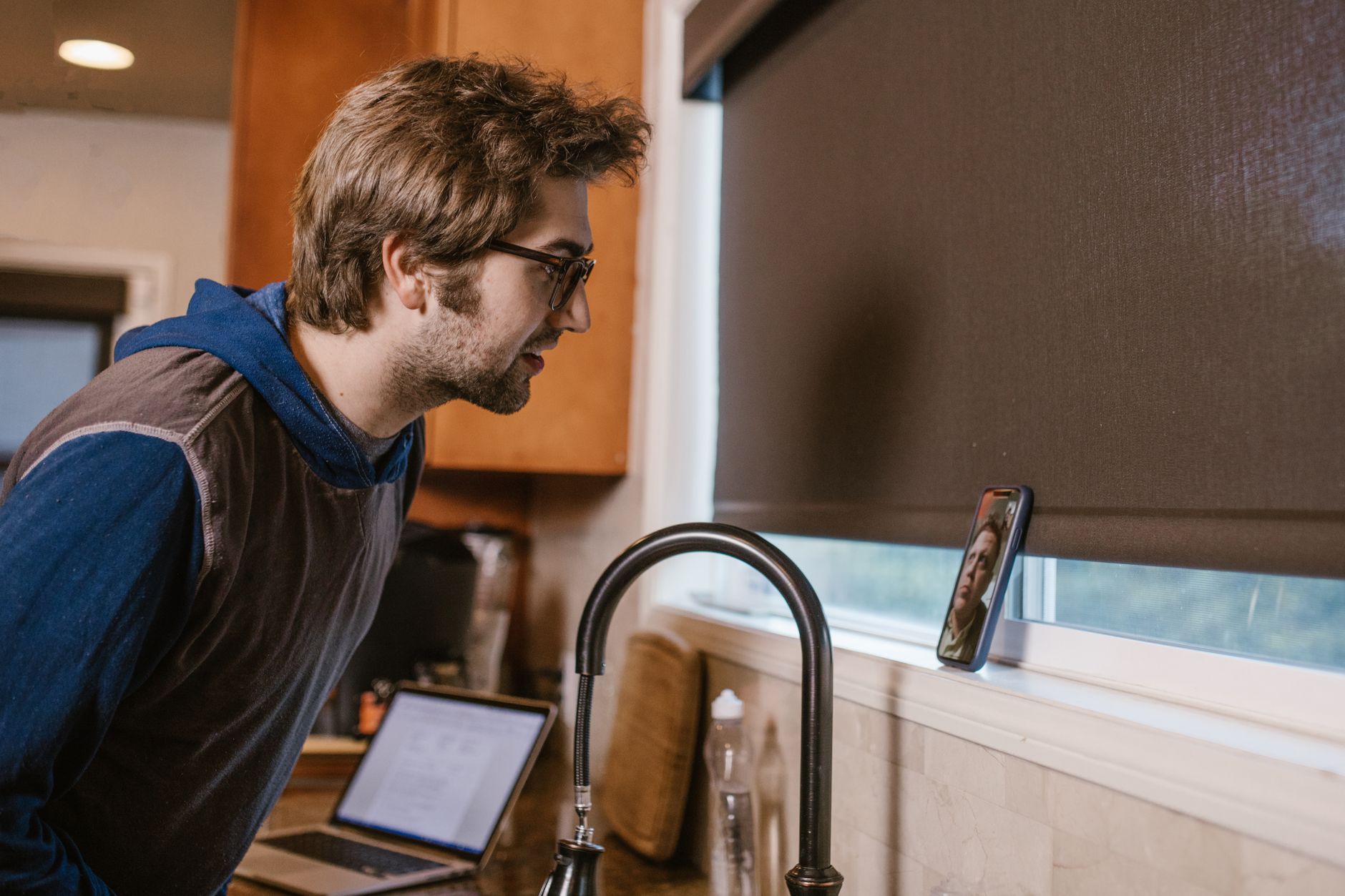
In the room, or on speaker.
Press ⌘⇧R and the Mac records the room. The notes come out the same, in the same folder, tagged as a manual recording.
Recording Kitchen table – pricing · 19m · manual
NoteHand records, transcribes and writes up your calls on the device. No bot in the meeting, no account, no server. Nothing of yours leaves unless you send it.
 on this Mac · 10:41
 Priya
Priya
MarcusWe have a number in mind but nobody has signed it off yet.
YouThen let's hold the pilot to one cluster and run the questionnaire alongside it.
PriyaIf you can send the questionnaire tonight I can start Monday.
Decision · Pilot limited to one cluster Action for you · send the questionnaire tonightAsk who approves the budget once security clears.
How it starts
No bot to invite, no link to paste. The app notices the meeting app in front and offers to record. For anything else, one shortcut.
 Zoom
Zoom Teams
Teams Meet
Meet FaceTime
 Slack
Slack Discord
Cloud meeting assistants need your audio on their servers to work. This one does not. That single decision answers most of the questions a security team will ask, and we wrote the rest down.
Read what can cross the lineThe product
Five surfaces, all of them simulated here and all of them real in the app. Click, drag and type; nothing on this page is a picture.
Every few minutes Coach re-reads the transcript so far and updates a small window pinned above the call: what to say next, what is still open, what you have committed to. The timeline plays itself; drag it or press play to take over.
Summary, decisions, action items and open questions, with the full transcript underneath. Written as markdown the moment the call ends. Switch the view, or change who writes the notes, and watch the line on the right.
The default. A free local model writes the notes and nothing crosses the line.
The Library holds every call, searchable, with the notes and the full transcript. It is a view over your folder, not a database somewhere else. Delete the app and the files are still there.
The same on-device recognition works as a keyboard in Mail, Slack, a terminal or anywhere else you can type. Dictated audio is never written to disk, and your clipboard is put back the way it was.
No integrations to build
Markdown in a folder you chose. Open it in Obsidian, index it with Spotlight, sync it with your own iCloud or Dropbox, commit it to a repo, or search it from a terminal. Nothing to connect, because nothing is locked away.
 Obsidian
 Spotlight
 iCloud Drive
 Dropbox
 Git
Git Notion import
 Any editor
 Terminal
A real command against sample files. Try a word from the call above, or a name.
Wherever the call is
A phone on the counter, a client across the table, a webinar in a browser tab. The Mac records what its microphone can hear, and the other side never sees a recorder, which is why telling them is your job.
Press ⌘⇧R and the Mac records the room. The notes come out the same, in the same folder, tagged as a manual recording.
Recording Kitchen table – pricing · 19m · manual
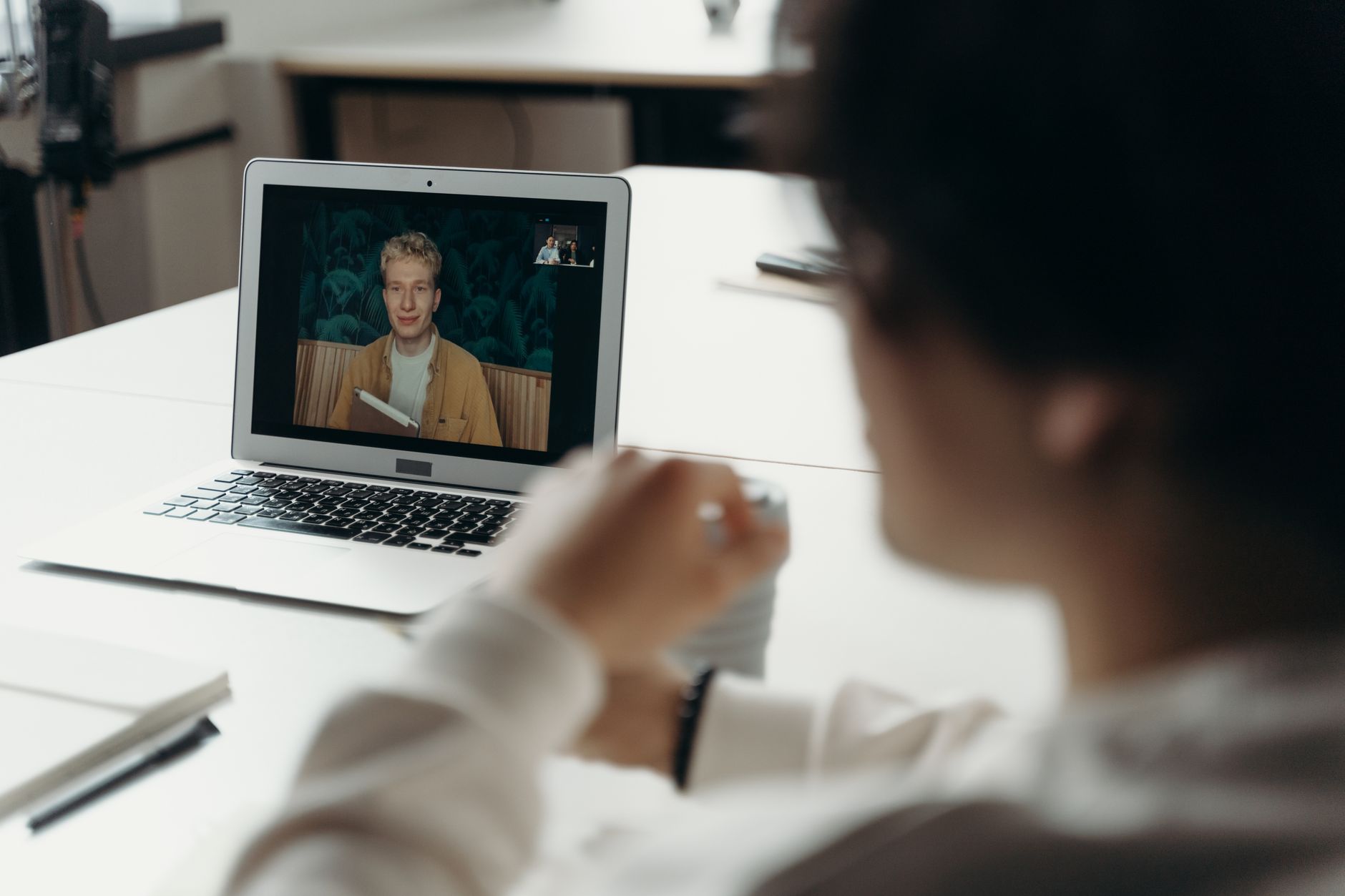
Heads up, I take notes on my Mac with NoteHand. Nothing gets uploaded. Shout if you'd rather I didn't.
Go for it.
The app records the audio your Mac is already playing plus your microphone, so there is nothing for the other side to see. During setup it asks you to confirm that telling people is your responsibility. Most people do it in one line.
On-device transcription needs Apple silicon or a recent Intel Mac to keep up with a call, and the audio capture that makes a bot unnecessary is a macOS capability. There is no Windows or phone version, and no web app, because a web app would need your audio on a server.
Who makes it
BITSUMMIT is a managed IT and security services company in Toronto and Halifax. We built NoteHand for our own client calls, and we run it every working day. It is the tool we could hand to a client's security team and not apologise for.